 iOS App
  Android App
 Study tips
Digital distractions while studying: choose what to change
Ben Roe
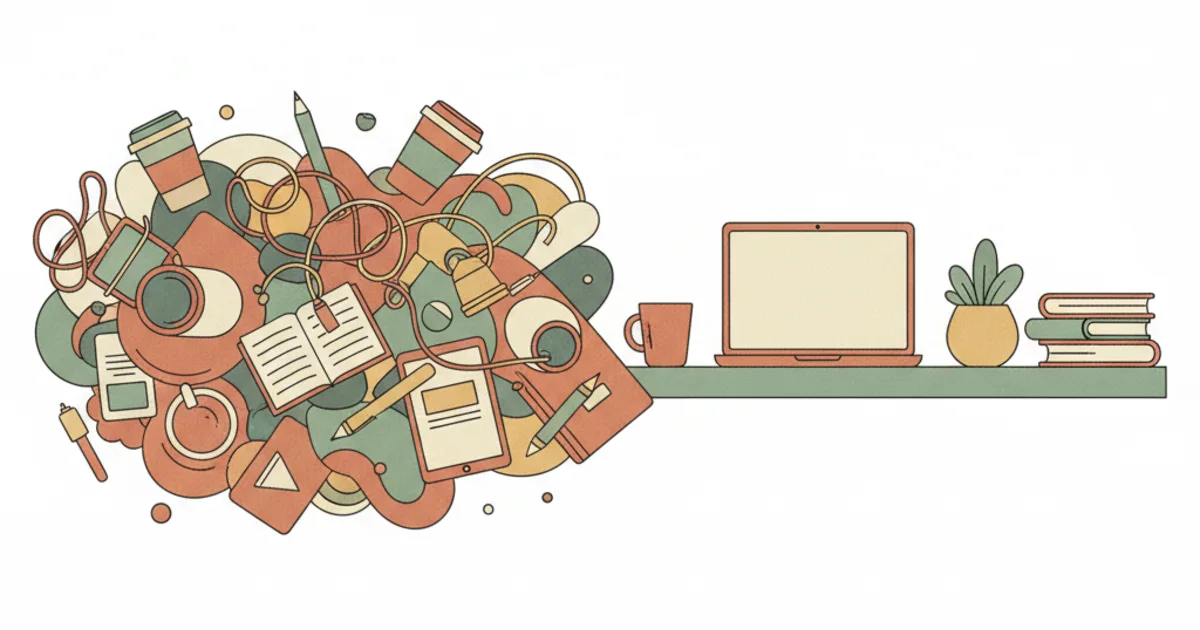
Notice the interruption you can change
A notification, an unrelated tab or an urge to check messages may interrupt a task. Note what happened and what you were trying to do. Your phone may also hold the material, accessibility tools or urgent contacts you need; choose changes around those needs.
Read the research in context
Mark, Gudith and Klocke’s 2008 experiment used simulated email work. Interrupted participants worked faster with no detected quality difference, but reported more stress, frustration, time pressure and effort. This does not establish a fixed recovery time for every study interruption.
Ward and colleagues’ 2017 experiments found differences in cognitive-capacity tasks depending on phone location. A 2022 direct replication did not reproduce the location effect from their second experiment. Phone presence alone is not a universal explanation for difficulty concentrating.
Try one change in a study session
- Choose a concrete task and keep its source material ready.
- Pause nonessential notifications if useful, while keeping necessary calls, reminders and access available.
- Close an unrelated tab or place the phone farther away if you do not need it for the task. Leave a note of your next step before switching tasks.
- After the session, record what you completed and which interruptions remained. Keep, adjust or undo the change based on that experience.
A separate browser profile or a clearer folder for current material may help you find what you need. You can try either without spending a fixed amount of time reorganising everything.
Keep the source available in Piply
Open your own material in Piply, choose a review question and compare the generated answer with the source. Record anything to clarify next. You still control notifications and other apps; Piply does not guarantee uninterrupted study.
Put the ideas into practice
Use Piply to organize materials and practise what you’re learning.
Try Piply