
 iOS App
  Android App
 Study tips
How to Build a Study System That Actually Works (Even When Your Schedule Falls Apart)
Elizabeth Nune
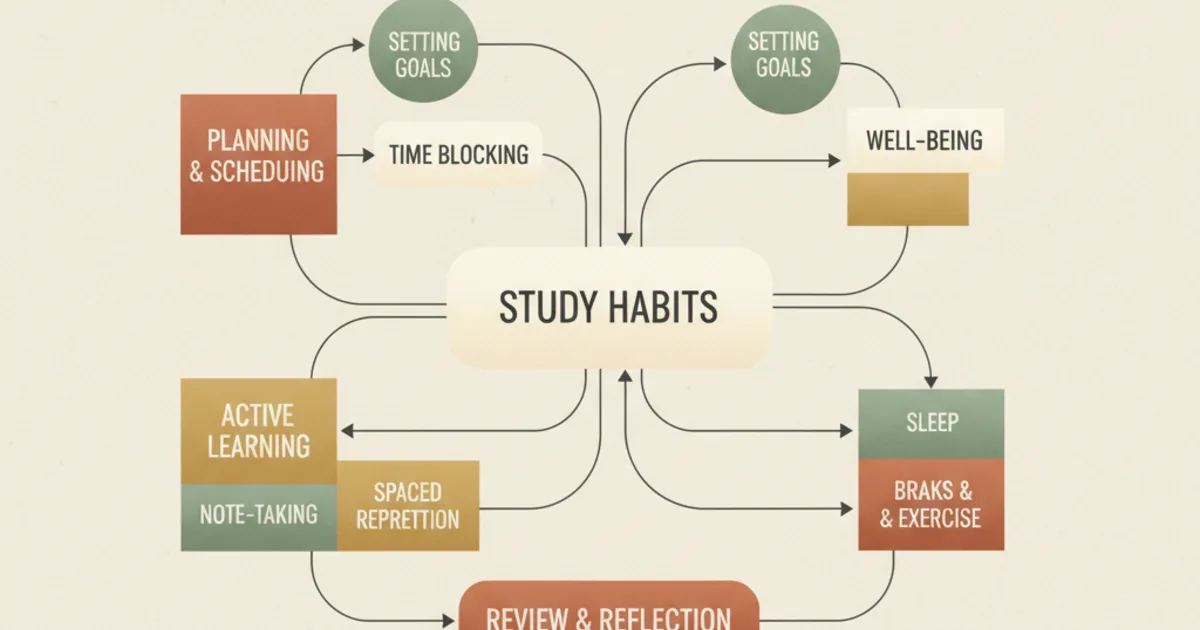
How to Build a Study System (Not Just a Schedule) for Master's Students
Every semester starts the same way. You open Google Calendar, block out two-hour chunks for each course, color-code everything, and feel genuinely optimistic.
For about ten days, it works. Then a paper deadline slides, a group project demands an extra meeting, your advisor emails at 9 PM, and suddenly your beautiful schedule is a museum of missed blocks.
If this sounds familiar, the problem isn't your discipline. The problem is that you built a schedule, not a system.
A schedule is a map of intentions. A system is a set of repeatable workflows that survive disruption. For master's students, the distinction is everything. You're managing more reading than you've ever managed before, with more independence and less structure than undergrad ever demanded. A calendar block can tell you to study from 4 to 6 PM. Only a system can tell you what to do when 4 PM arrives and you're exhausted.
Schedules fail. Systems survive.
The core difference is simple. A schedule answers the question "when." A system answers the question "how, every single time, regardless of conditions."
Most graduate students approach their workload as a time management problem. It isn't.
It's a workflow management problem. You don't need to find more hours. You need to make the hours you've produce more learning with less friction.
James Clear, author of Atomic Habits, put it directly: "You don't rise to the level of your goals. You fall to the level of your systems." Goals and schedules set direction.
Systems determine whether you actually get there. For a master's student balancing coursework, research, possibly a job, and the quiet expectation of a social life, a system isn't a luxury. It's the only thing that scales.
What a study system actually contains
A working study system has three layers. Most students only build the first one and wonder why everything collapses.
Layer 1: Capture
Before you can study anything, the material has to enter your system in a usable form. This sounds obvious, but watch how most grad students handle it: they highlight a PDF, scribble marginalia, close the file, and hope the understanding somehow transfers to their brain. It doesn't.
A capture workflow means every piece of content you encounter (lecture slides, assigned papers, your own research notes, textbook chapters) lands in a single place, stripped of redundancy, organized by concept rather than source, and ready for the next step. Without capture, you're studying from raw material every time you sit down. That's the cognitive equivalent of cooking every meal from scratch while running a marathon.
Layer 2: Process
Processing is where raw material becomes study-ready material. For most students, this step is a black box labeled "I'll figure it out later." Later never comes.
Processing means converting your captured material into formats that support retrieval practice: flashcards, question banks, concept maps, summary tables.
The specific format matters less than the act of transformation itself. When you transform a dense research article into twenty flashcards or a set of self-test questions, you're more than preparing to study.
You're already studying.
Research on the generation effect shows that producing material yourself, rather than passively reviewing someone else's summary, creates stronger memory traces. Each card you make is a retrieval attempt in disguise.
Layer 3: Retrieve
This is the part most students recognize as "actual studying," but here is where the system mindset changes everything. Retrieval means testing yourself on processed material at intervals designed to exploit the spacing effect.
Hermann Ebbinghaus described the forgetting curve in 1885: memory decays rapidly after initial learning, then the rate of decay slows. The spacing effect, confirmed by decades of research including Cepeda et al.'s 2006 meta-analysis of over 400 studies, shows that reviewing material just before you would have forgotten it produces the strongest long-term retention.
But the retrieval layer is also where systems break.
Manually tracking what to review, when to review it, and whether you actually did it, across five courses and a thesis, is administrative overhead that no busy master's student can sustain. The research points one way: retrieval practice and spaced repetition work.
The implementation is where people quit.
Why master's students need this more than undergrads
Undergraduate courses are structured. Weekly assignments, quiz dates, midterm schedules. The syllabus is a de facto study system handed to you.
Master's programs remove the scaffolding. You get a reading list, a seminar schedule, and a thesis deadline eighteen months away. Nobody checks whether you reviewed last week's papers. Nobody quizzes you on core concepts until the exam arrives and you realize you've been re-reading the same introduction for weeks, mistaking familiarity for understanding.
Dunlosky et al.'s 2013 meta-analysis of ten common study techniques ranked practice testing and distributed practice as the two most effective methods, with high utility across contexts. Re-reading, the most common student strategy, ranked low. The study techniques that work best are the ones that require a system to execute consistently. The ones that students default to are the ones that require no system at all.
That isn't a coincidence. That's the entire problem.
The admin tax
Here is something nobody tells you about study systems: most of the failure points aren't about studying. They're about administration.
You sit down to study. Before you can retrieve anything, you need to find the right flashcards. Did you make them for this chapter? Are they in Anki, or a Google Doc, or handwritten somewhere? Which concepts are due for review today? Did you actually understand that section last week, or did you just highlight it and move on?
Every one of those questions is admin overhead. Every minute you spend answering them is a minute you aren't spending on retrieval. For a master's student who is also working, or parenting, or both, admin overhead is what kills the system. Not laziness. Not lack of discipline. Friction.
A well-designed study system minimizes admin decisions. It tells you what to review, surfaces the right material automatically, and gets out of your way so you can do the thing that actually produces learning: retrieving information from your brain under test-like conditions.
Building your first system: a practical starting point
You don't need to build the perfect system on day one. You need something that works well enough to survive the first two weeks, because momentum compounds. Here is a starting structure:
Step one: Pick your capture tool. Choose one place where everything lands. It could be a note-taking app, a digital workspace, or a platform designed for this purpose. The only rule: one place. Not a notes app plus a Google Doc plus saved browser tabs. One inbox for everything you need to learn.
Step two: Define your processing trigger. Processing fails when it's optional. Tie it to a specific event: "When I finish a paper, I immediately turn the key concepts into questions." Not "sometime this week." Immediately.
Step three: Automate the retrieval schedule. This is the non-negotiable part. You can't manually track spacing intervals across courses. Your system needs to handle scheduling so your only job is showing up and answering questions. Roediger and Karpicke's 2006 work on the testing effect demonstrated that retrieval practice produces better long-term retention than additional study sessions. The effect isn't subtle. It's one of the most robust findings in cognitive psychology. But it only works if you actually do it, and you'll only actually do it if the system reminds you to.
Step four: Build a minimum viable review session. Fifteen minutes of retrieval practice beats zero minutes of waiting for the perfect two-hour block that never materializes. Lower the barrier to entry. A system that works in fifteen-minute increments survives; a system that requires two-hour blocks dies the first time your calendar gets blown up.
What the system replaces
When your study system works, several things stop happening:
You stop re-reading the same paragraph twelve times because you're too tired to do anything else but still want to feel productive. You stop panicking three days before an exam because you've no idea what you actually know versus what you merely recognize. You stop wasting your best cognitive hours on administrative decisions about what to study and how to study it.
The system absorbs the overhead. You do the thinking.
Where Piply fits
Piply was built because the admin tax on study systems is real and it's the reason most students abandon methods that research proves work.
The platform handles capture by letting you import PDFs directly and extract key concepts into structured material. It handles processing by converting your readings into flashcards and quizzes automatically, so the generation effect kicks in without you spending hours manually typing cards. And it handles retrieval by scheduling review sessions based on spacing principles, so your only job is to show up and answer questions.
For master's students, the value proposition is specific: you're already reading more than you can process manually. Your reading list is a firehose. A system that automates the transformation from reading to retrieval isn't a convenience. It's use. The same kind of use you get from a citation manager instead of typing references by hand.
A schedule says: "Study Tuesday at 4 PM."
A system says: "Here is exactly what you need to review, it's ready right now, and it will take fifteen minutes." One of those survives a disrupted week.
The other becomes a guilt-inducing calendar notification you swipe away.
Build the system first. The schedule will follow.
Put the ideas into practice
Use Piply to organize materials and practise what you’re learning.
Try Piply