 iOS App
  Android App
 Study tips
Why Converting PDFs to Flashcards Makes You Dumber (And What to Do Instead)
Andy Anderson
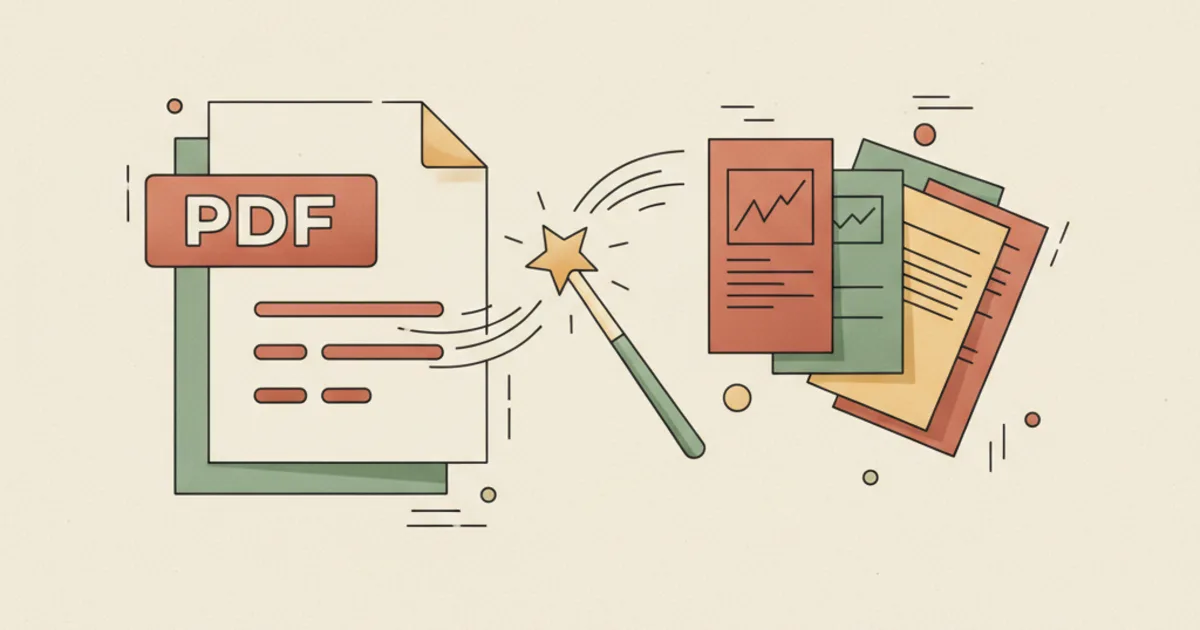
You're staring at a 400-page textbook chapter. Your exam is in two weeks. You know what you should do: extract key concepts, turn them into flashcards, review them with spaced repetition.
But you're not doing it.
Instead, you're highlighting. Re-reading. Copy-pasting a few terms into Anki and immediately feeling guilty about the 398 pages you're ignoring.
The problem isn't that you're lazy. The problem is that converting PDFs to flashcards is broken.
The Flashcard Fallacy
We've been sold a lie: "Just turn your notes into flashcards and you'll remember everything."
It sounds persuasive. Active recall + spaced repetition = unbeatable combo. And it is scientifically bulletproof, the research from Ebbinghaus, Roediger & Karpicke, and Karpicke & Blunt is unequivocal: retrieval practice beats re-reading by a mile.
So why do smart students still fail at this?
Because the advice focuses on the tool, not the workflow.
Making flashcards from a PDF isn't a study technique. It's a manufacturing process. And worse, it's an interrupted manufacturing process.
Here's the typical student journey:
Monday: Upload 200-page PDF to "AI Flashcard Generator." Get 1,200 cards back. Feeling accomplished.
Tuesday: Start reviewing. Hit card 84. See a fact from page 47. Wait, what was the diagram that explained this? Oh yeah, the one with the mitochondria. You flip to the PDF, scroll around, find it. Context restored.
Wednesday: Review cards 85-162. See another fact from page 49. Different diagram. Back to the PDF. Scroll, locate, read. Review session is now 40% PDF-finding, 30% flashcard reviewing, 30% distraction-checking.
Thursday: Skip the flashcards. Just re-read the chapter. Seems easier.
This isn't hypothetical. This is the standard loop. The same loop students describe on Reddit forums: "I spent 5 hours making beautiful cards and now I can't bring myself to review them," or "I've 4,000 cards in my deck and I'm 8 months behind."
What All PDF-to-Flashcard Tools Get Wrong
The market is flooded with tools promising to "convert PDFs to flashcards in seconds." They're all solving the wrong problem.
The problem isn't making cards fast. The problem is making cards that get reviewed.
Problem 1: They assume volume equals value
You upload a 50-page slide deck about cellular respiration and get back 300+ cards: definition of mitochondria, function of ATP, stages of Krebs cycle...
Congratulations. You now have a digital replica of the textbook.
You haven't learned anything. You've just outsourced the typing.
Tools reward you for this (Look! 300 cards created in 30 seconds!). Your brain, however, gives you no dopamine hit because you haven't mastered anything.
Reviewing 300 cards daily = 90 minutes of pure recall work. That's a content burden, not a study plan.
Problem 2: They destroy the original context
A flowchart on "Stages of Mitosis" → becomes 15 separate "What happens in prophase?" / "What happens in metaphase?" cards.
What's lost:
- The visual relationship between stages
- The cyclical nature of the process
- The spatial layout your brain actually encoded when you first read it
You optimize for card efficiency and destroy cognitive efficiency.
Problem 3: They ignore the reading-to-extraction pipeline
Effective studying follows a two-pass system:
Pass 1, Comprehension: Read with curiosity. Mark confusing sections. Highlight surprising connections. No pressure to memorize yet, just understand.
Pass 2, Extraction: Now that you understand, you can identify what's actually essential to remember. The comprehension pass gives you judgment. The extraction pass applies that judgment.
Current tools collapse both passes into one: Upload → Extract → Cards. No comprehension judgment = indiscriminate card dump.
Problem 4: They treat cards as terminal, not transitional
Flashcards aren't the destination. They're a transport mechanism from confusion to clarity.
Once a card is easy for you, it should gradually phase out of your daily reviews. The goal is to internalize knowledge, not maintain an infinite deck.
But PDF converters output static decks. They don't adapt as your understanding grows. New cards arrive fully formed, regardless of whether you already grasp the underlying concept.
The Alternative: From Fulcrum to Funnel
Instead of converting your PDF, transform how you engage with it.
The goal isn't cards. The goal is retrieval pathways.
Here's a framework:
Step 1: The Comprehension Audit (15 minutes)
Before touching a card, ask yourself:
- What's the core thesis of this document? (1 sentence)
- What 3-5 key concepts support it?
- What's counterintuitive or likely to be tested?
- What connections exist between sections?
Write these as bullet points in a separate note. This is your judgment filter.
Step 2: Convert, but with intention
Now, and only now, run your PDF through a converter with strict guardrails:
Guardrail A, The 30-Card Test After conversion, look at your first 30 cards. If more than half feel "trivial" or "obvious," stop. You're extracting noise. Go back to Step 1 and clarify your filter.
Guardrail B, The Connection Rule Every card must answer "How does this connect to something else I already know?" If it can't, flag it for merging or deletion.
Guardrail C, The One-Chapter Rule Never convert more than one chapter at a time. A 30-page chapter should yield 20-40 high-quality cards. If you're getting 200+, your extraction criteria are too broad.
Step 3: Curate like a curator
AI is an archaeologist's brush, it exposes artifacts, but you choose what goes in the museum.
Process your generated deck in this order:
- Delete obvious cards first, anything you already know
- Merge related cards, turn "What are reactants in photosynthesis?" + "What are products?" into "Sketch the full photosynthesis equation"
- Tag with depth, more than #biology, but #conceptual, #factual, #visual, #process
- Schedule strategically, process-based cards (e.g., "steps of X") get daily reviews; conceptual cards get spaced 3+ days apart
Step 4: Integrate the cards into a session
A flashcard in isolation is a trivia question. A flashcard inside a study session is a milestone.
That's why Piply's design connects PDF conversion directly to Study Sessions:
PDF → AI-generated quiz →
Start session (25 min timer + XP) →
Review cards with real progress bar →
No context-switching: PDF right there if you need it
The tool respects that studying is a journey, not a production line.
What the Research Actually Says
Let's ground this in real science, not bro-science.
- Ebbinghaus' forgetting curve shows we forget ~70% of new information within 24 hours. The cure isn't more cards, it's meaningful retrieval. Cards that link to existing knowledge are forgotten slower.
- Karpicke & Blunt (2006) found testing effect works best when retrieval is effortful. Trivial "what is X?" cards don't trigger effortful recall; "how would you explain X to a freshman?" cards do.
- Fiorella & Kuhlmann's generation effect demonstrates that creating your own elaborative connections (more than consuming AI cards) dramatically boosts retention.
The lesson? Cards are a scaffold, not a substitute.
How Piply Actually Solves This
Other companies sell you "AI PDF to Flashcards." Piply sells you a Study Workspace where that's one of many features.
- Your converted cards don't land in a vacuum, they land in a study session, scheduled on your calendar
- Your flashcards are linked to their source page in the PDF, click the card, jump to original context
- The AI is trained on effective question patterns, more than random extraction, cards are designed to probe understanding, not regurgitation
- You get quality filtering: auto-removes duplicate concepts, merges redundant info, focuses on gaps
In other words: you're more than making cards faster. You're changing the question from "How do I turn pages into cards?" to "How do I go from confused to confident in one sitting?"
Your New Workflow
Tonight, try this:
- Pick one chapter you're struggling with
- Spend 20 minutes just reading and annotating, no card pressure
- Write down 3-5 questions you'd ask a study buddy about this chapter
- Upload the PDF to your tool of choice (ideally Piply) with those questions in mind as a prompt
- Curate the output down to 15-25 cards that answer your questions
- Immediately do a 25-minute study session with those cards
- Rate each card on "How well did I know this?", let the algorithm adjust future spacing
You'll finish in 90 minutes with actual knowledge in your head, not 1,200 orphaned cards floating in a digital drawer.
The goal isn't to automate studying. The goal is to eliminate the administrative overhead of studying so you can spend your cognitive capital where it matters: on understanding.
And that's what Piply was built to do.
Try Piply free → Upload your PDF, get AI-generated quizzes and flashcards, then study them in focused sessions with spaced repetition built in. No card overwhelm. No context loss. Just progress.
Put the ideas into practice
Use Piply to organize materials and practise what you’re learning.
Try Piply