 iOS App
  Android App
 Study tips
How to Turn a PDF into Flashcards Without Wasting Your Night
Andy Anderson
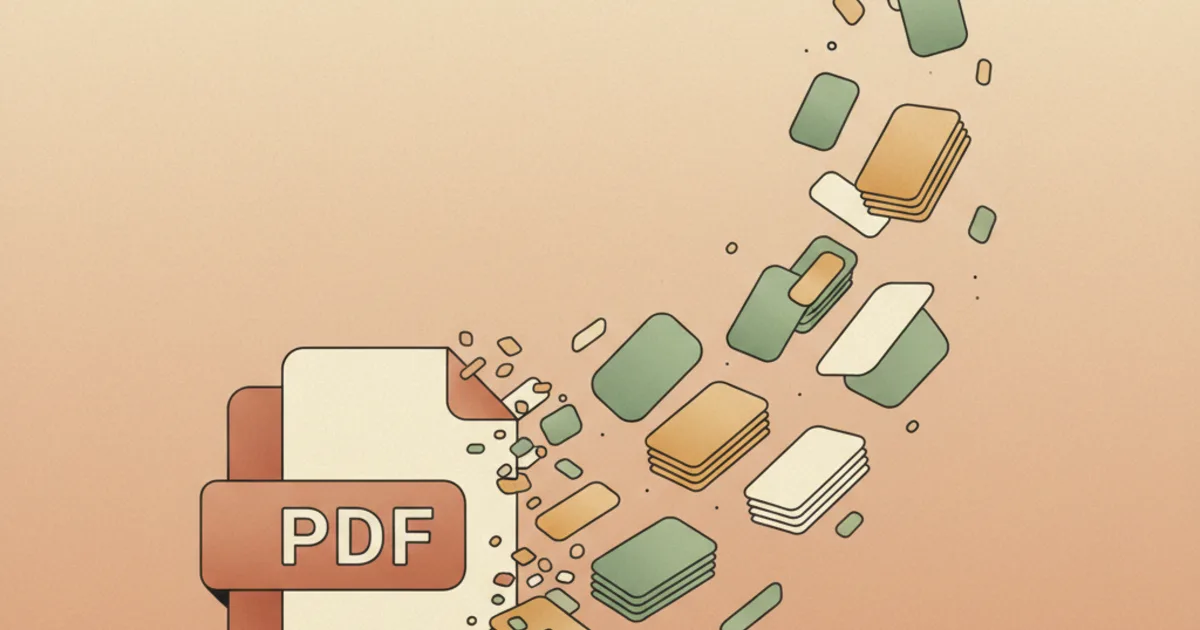
Students lose a ridiculous amount of time making flashcards from PDFs the slow way.
Open the file. Copy a definition. Paste it into a card app.
Guess what should go on the front. Repeat until the entire evening disappears.
That process feels like studying because it's academic-looking work. Most of the time, it's just admin.
The better goal is simple: get from PDF to useful retrieval practice with as little manual formatting as possible.
First, remember what makes a flashcard useful
Flashcards work because they support active recall. You try to produce the answer before seeing it. Pair that with spaced review and they become much more useful over time.
That means a good card is usually:
- focused on one idea
- answerable in one clean response
- written in language you can understand later
- tied to something you're actually likely to be tested on
If the card is vague, huge, or copied directly from a dense PDF sentence, it won't help much.
The practical workflow
1. Skim the PDF for structure first
Before generating anything, get a sense of the material. Look at headings, diagrams, repeated terms, definitions, and sections that clearly matter.
This helps you avoid ending up with a deck full of trivial facts and no core ideas.
2. Use AI to create a draft, not a final deck
This is the best place to save time. A good AI workflow can pull out candidate terms, likely questions, and short-answer prompts from the PDF in seconds.
That's useful because it removes the copy-paste stage. It doesn't remove your judgment.
3. Edit for clarity and size
This is the step students skip and then regret.
Go through the generated deck and fix:
- cards that ask too much at once
- questions that are too vague
- wording that sounds strange or inaccurate
- low-value facts you don't actually need
If one card contains three answers, split it. If a definition is bloated, tighten it. If a concept matters more as a comparison or process, rewrite it that way.
4. Add a few higher-value application cards
PDF-to-flashcard workflows often overproduce definitions. For many subjects, that isn't enough.
Add some prompts like:
- "why does this matter?"
- "what is the difference between X and Y?"
- "what happens if this step changes?"
That keeps the deck closer to how real questions are often asked.
5. Review the deck over time
The deck is only useful if you use it more than once. Start reviewing soon after you generate it, then come back to it after a gap. That's where the actual memory benefit appears.
Common mistakes
Copying textbook sentences directly
If the answer on the back is a giant paragraph, you probably built a note, not a flashcard.
Keeping every generated card
More cards isn't automatically better. A shorter deck of better prompts usually beats a huge pile of low-quality ones.
Confusing generation with studying
Making the deck can feel productive. The learning happens when you retrieve the answer later.
Where Piply fits
Piply is useful when you want to go from document to flashcard draft quickly and spend your effort on improving and reviewing the deck instead of building it from scratch.
If that's the bottleneck in your workflow, Piply's flashcard maker gives you a cleaner starting point than manual copy-paste.
What to keep
Turning a PDF into flashcards shouldn't take your whole night.
The efficient version is: understand the structure, generate a draft deck, edit the weak cards, and then spend your time on retrieval. That's the part your exam will care about.
Convert PDFs to Flashcards with AI
Ready to turn your lecture notes, textbook chapters, and PDFs into AI-generated flashcards in seconds? Try Piply's PDF to flashcards tool and start studying smarter today.
Put the ideas into practice
Use Piply to organize materials and practise what you’re learning.
Try Piply