 iOS App
  Android App
 AI learning
How to Study Lecture Slides With AI
Piply Team
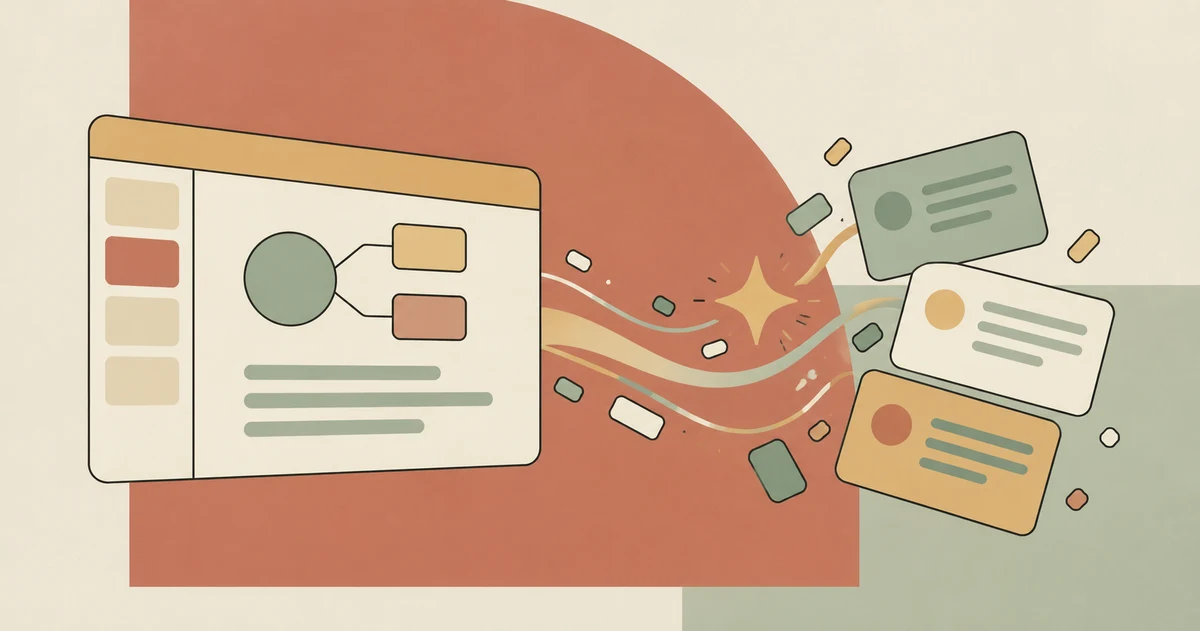
A slide deck can look familiar long before you can explain it.
To study lecture slides with AI, start with one topic, turn the slides into a short study guide, and create questions you can answer with the material closed. Check the questions and answers against your slides and lecture notes, then revisit the parts you struggled to explain.
The useful output is a set of checked questions you can practise. A longer summary can wait.
Why are lecture slides difficult to study from?
Lecture slides often leave out the explanation your lecturer gave aloud. A diagram, a few keywords, or a formula may have made sense in class. A week later, the connection can be harder to reconstruct.
That creates two separate jobs: recover the explanation and practise using it.
Keep your lecture notes, assigned reading, and worked examples nearby. If a slide leaves something unexplained, mark the gap. An AI-generated explanation may sound convincing while adding details your course never covered.
How do you turn lecture slides into a study guide?
Work through one lecture topic at a time. If your slides are in PowerPoint format, exporting the relevant section to PDF can give you a document to work from. Check that equations, diagrams, and labels survived the export.
Then follow these steps:
- Identify the topic and learning objectives. Use the lecturer's objectives when available. Otherwise, write down what the section asks you to explain, compare, calculate, or apply.
- Ask for a short outline. Separate definitions, processes, examples, and unresolved questions.
- Compare the outline with the source. Correct missing conditions, misread formulas, and explanations that go beyond the material.
- Add the context from class. Include the example or warning your lecturer used to explain a difficult slide.
- Write a question for each important idea. Make sure you can locate the supporting answer in your course material.
For a text-based starting point, paste a relevant passage into Piply's study guide generator. Check its output before treating it as revision material.
What should you ask an AI study tool?
A specific request makes the result easier to check. Try this prompt with a tool that can read your selected material:
Using only this lecture section, outline the main ideas and create five practice questions. Include a definition question, a comparison question, and an application question where the source supports them. Flag missing information rather than inventing it. Give the supporting slide or page when available.
This is a request to the tool, not a guarantee that every output will follow it. Check whether the cited slide supports the answer, especially when diagrams or equations are involved.
For a hypothetical biology lecture on transport across cell membranes, questions might include:
- What distinguishes diffusion from active transport?
- Which details in the lecture explain the role of a concentration gradient?
- How would you classify the transport process in the lecturer's example, and why?
These questions test different tasks. Repeating the same definition five times gives you less information about what needs work.
Should you make flashcards or practice questions?
Use flashcards for focused facts and distinctions. Use longer practice questions for explanations, calculations, and decisions.
| Material in the slides | Useful practice format |
|---|---|
| A term and its meaning | A short flashcard |
| Two easily confused concepts | A comparison question |
| A labelled diagram | Label or explain a blank version |
| A formula and worked example | Solve a fresh problem with checked working |
| A process with several stages | Explain the sequence and why each stage matters |
Keep each flashcard answer narrow enough to judge. If a card asks you to explain an entire chapter, split it into smaller questions. Piply's flashcard maker can help draft cards from pasted text; you still need to check their wording and answers.
How do you check whether you learned the slides?
Close the material and answer a few questions from memory. Then compare your answers with the source. Record the specific error: a missing condition, a confused term, or a step you could not justify.
There is research behind retrieval practice. In two experiments involving prose passages, Roediger and Karpicke found that prior recall tests supported better delayed retention than repeated study, while repeated study performed better on the immediate test. Those findings support including recall practice; they do not establish that an AI-generated quiz will improve your exam result. Read the original study abstract.
Try a later session with the questions you missed. Add a different example where your course provides one, so you can check whether you understand the idea beyond the original wording.
Frequently asked questions
Can AI turn lecture slides into flashcards?
AI tools can draft flashcards from readable slide content. Check that the tool captured diagrams, equations, and important conditions correctly. Edit broad or ambiguous cards before reviewing them.
Is a summary enough to study for an exam?
A summary helps organise a topic. To check preparation, also practise the tasks your exam requires, such as explaining a process, comparing concepts, or solving a problem without looking at the answer.
What if the slides contain very little text?
Add your lecture notes or consult the assigned reading. Sparse slides may not contain enough information for a reliable study guide. Keep unanswered questions visible until you can resolve them from a course source or your lecturer.
How can Piply help me study lecture slides?
Piply brings Tutor, Study Notes, Flashcards, and Quizzes around your study material. Start with a manageable section, use the study format that fits the topic, and check generated explanations against the original material.
Start with one lecture topic
Choose the section you would struggle to explain today. Make a short outline, check five questions, and answer them with the slides closed. Open Piply to work from your course material, or read the guide to making flashcards from a PDF for more on writing focused cards.
Put the ideas into practice
Use Piply to organize materials and practise what you’re learning.
Try Piply